Allow location
Use current location permission or select a search area manually.
Welcome to Rentlio • For Seekers & Property Owners
Rentlio is a comprehensive rental property platform connecting home seekers and property owners. Seekers can search nearby homes by location and radius, while owners can list properties, review tenant applications, and manage leases with zero broker hassle.
Platform Purpose
Rentlio is an online rental property platform that connects people looking for homes with property owners who want to rent out their properties.
Discover and secure the right rental home effortlessly:
Manage your rental properties and connect with trustworthy applicants:
About Us
Rentlio is a modern online rental property platform designed to connect home seekers and property owners. Home seekers can discover rental properties using location and radius-based search, while property owners can list homes, review rental requests, and manage their properties and tenants.
Search apartments, flats, PG rooms, and family homes within your preferred distance using interactive GPS and map tools.
Send direct rental requests, review tenant profiles, coordinate visits, and approve rental agreements with no middleman brokerage.
Rentlio supports secure sign-in options, including Google Sign-In, to help users access their accounts.
How Rentlio Works
Use current location permission or select a search area manually.
Pick how far you want to search: nearby rooms, homes, flats, or family rentals.
When owners add homes, compare nearby listings and send requests from one place.
Built For The Real Search
Rentlio brings the important rental decisions into one flow: where the home is, how far it is, what the owner expects, and what happens after you send a request.
Start from your current area and expand only as much as you need.
Keep promising homes ready while you compare rent, rules, and distance.
Track pending, approved, or rejected requests without losing context.
Owners can list homes, review requests, and manage tenant details.
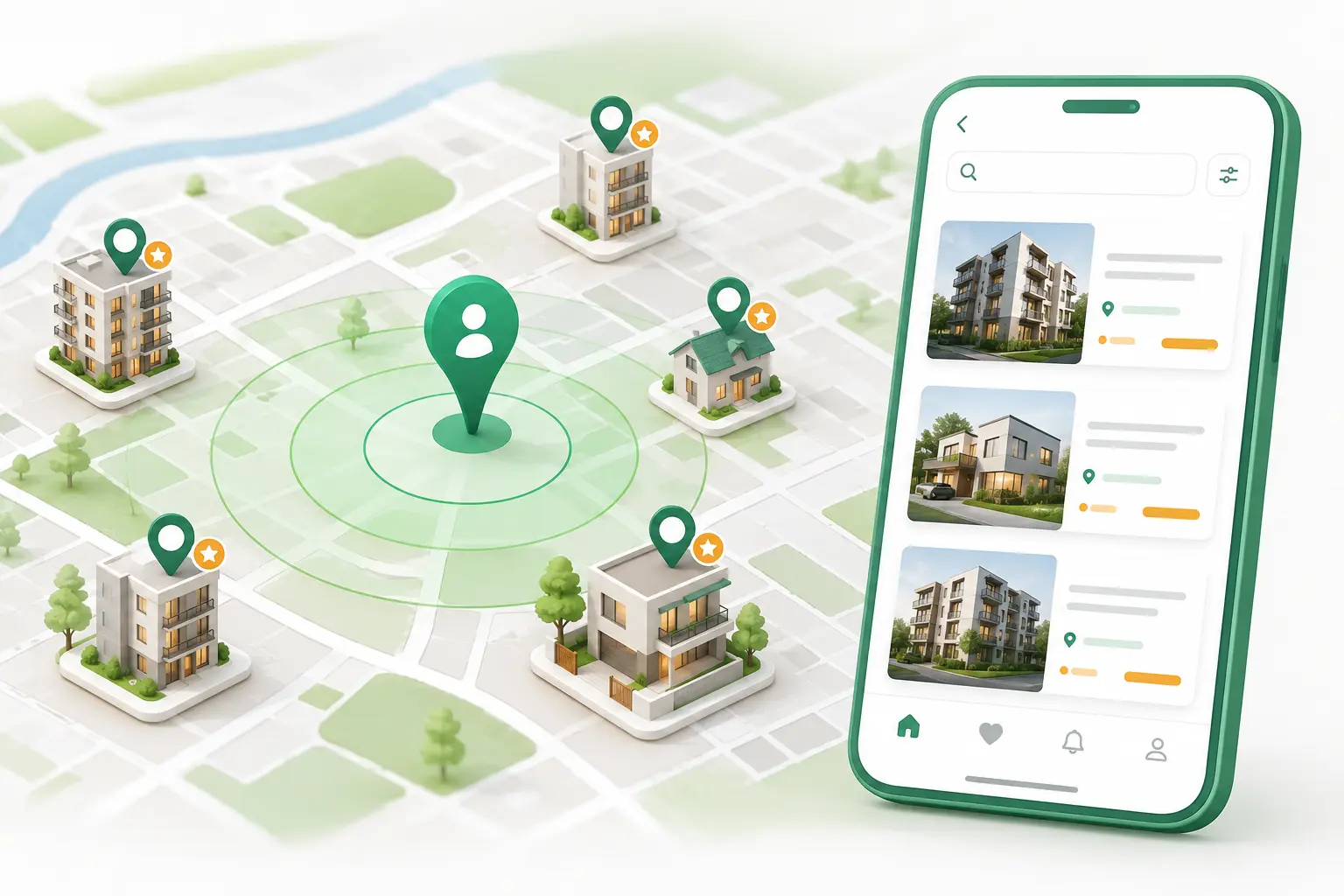
Location + Radius Search
Rentlio is designed around a simple flow: allow location, set a radius, and see rental options around you as owners add homes.
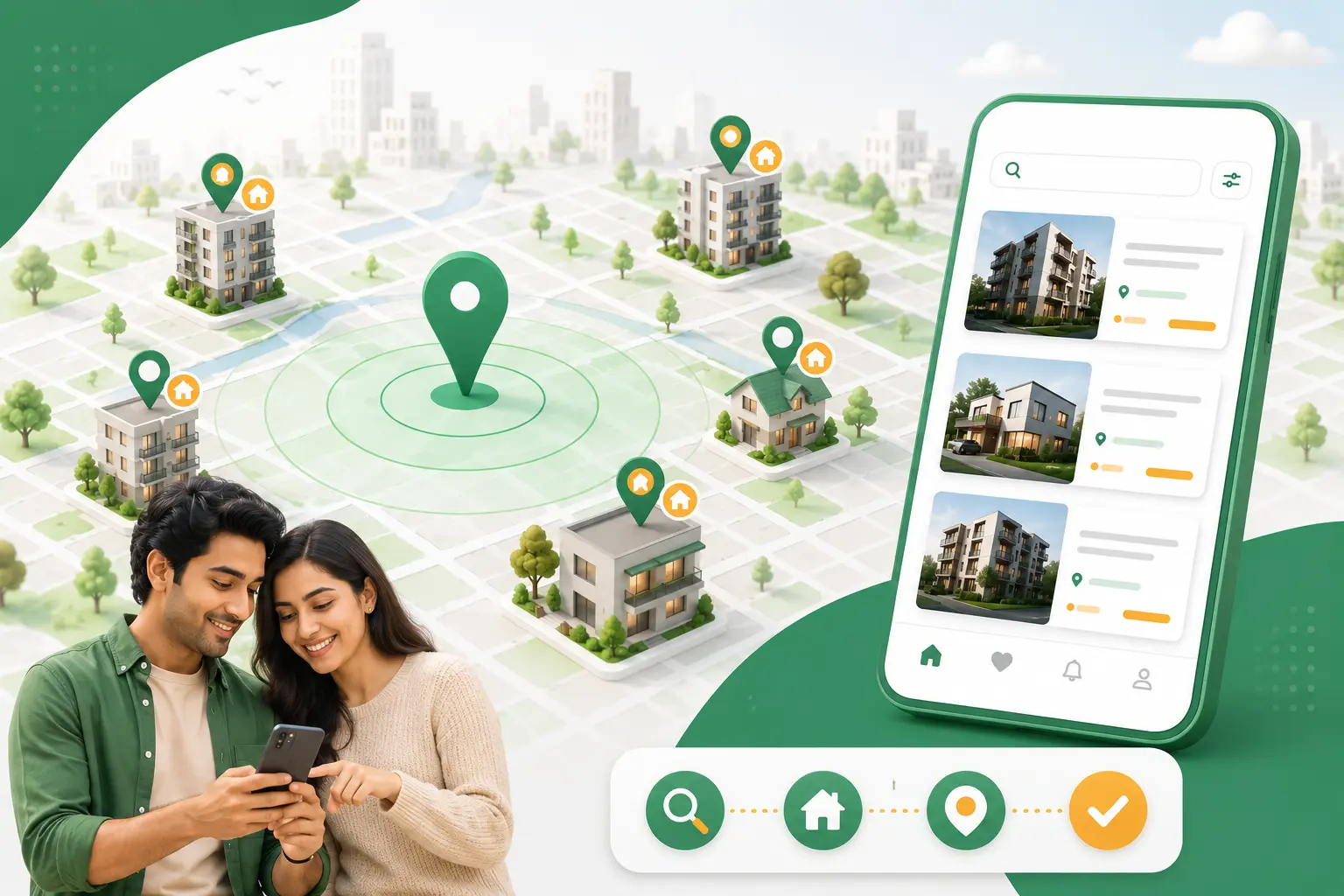
Rental Journey
Use a radius instead of scrolling through homes far away from your daily route.
Review rent, lifestyle needs, house rules, and owner preferences together.
Move from interest to action and keep each request visible in your dashboard.
Current Availability
Rentlio is a new website, so availability is limited while more owners add homes. You can join early, set your radius, and be ready as new listings appear.
Step By Step
For home seekers who want a clear, guided rental journey.
Add contact details and keep your rental identity ready.
Choose rent range, location, home type, food habits, family rules, and lifestyle needs.
Review homes with useful details like price, fit score, rules, and location.
Save favorites, send rent requests, and track pending or approved status.
Connect with the owner and continue from your seeker dashboard.
For owners who want better tenants and easier listing control.
Start with your account and open the owner dashboard.
Enter rent, address, amenities, photos, and house rules.
Define who fits best: family, students, professionals, food habits, and timing rules.
Compare applicant details, match score, status, and profile information.
Approve requests and track active tenants, rent, and documents.
Home Seekers
Rentlio keeps your saved homes, requests, preferences, and profile in one dashboard so the next step is always obvious.
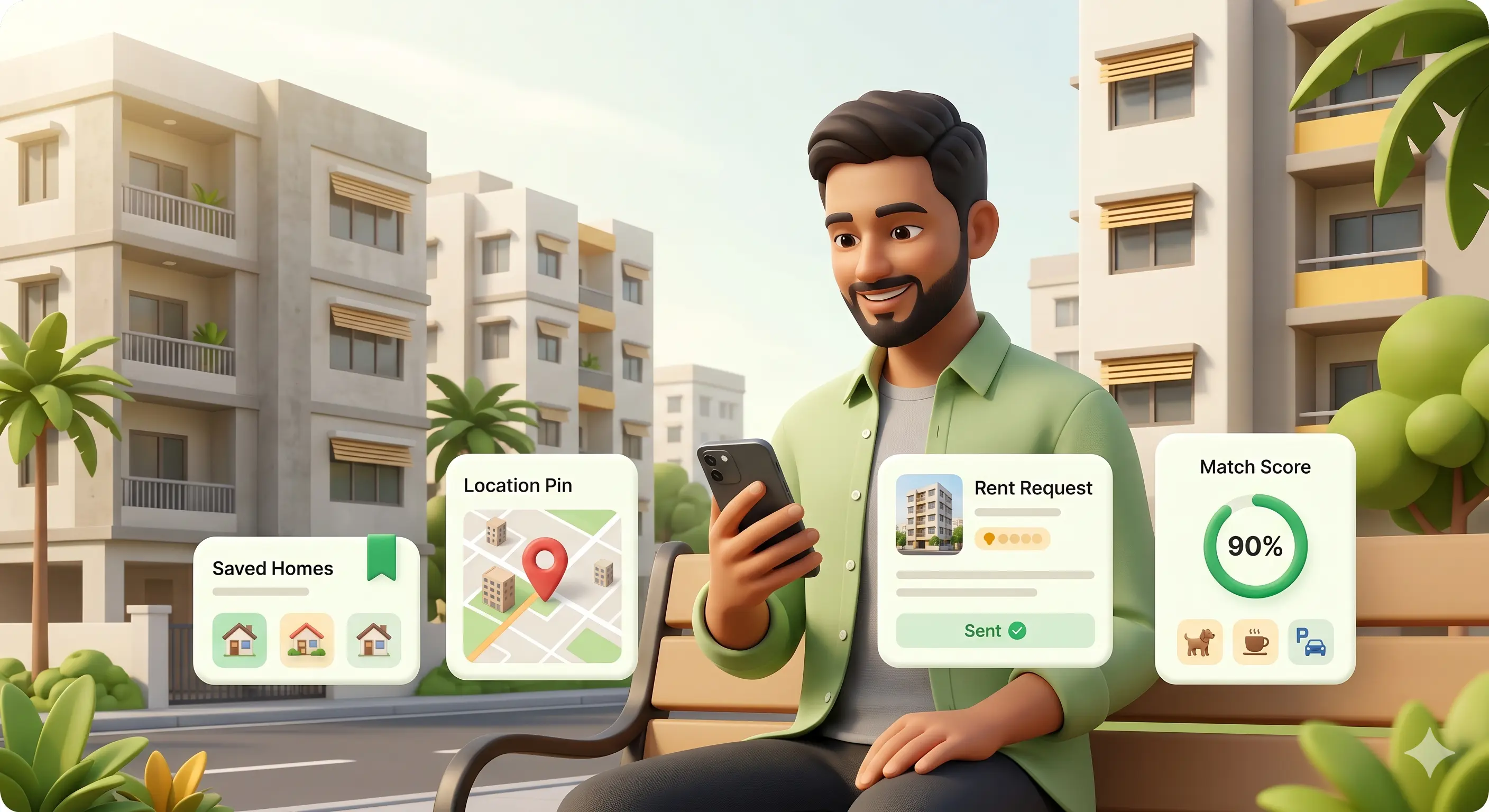

Home Owners
Owners can list homes, compare incoming requests, and keep active tenants organized with focused dashboards.
Questions
Rentlio is being prepared as a focused rental platform, so the landing page should set clear expectations while still feeling active and trustworthy.
Because distance matters in daily life. Radius search helps seekers begin from the areas they actually want to live around.
Yes. The owner dashboard is designed for adding listings, reviewing requests, and managing tenant details.
Rentlio is new, so listings are being added gradually. The page explains limited availability while inviting seekers and owners to join early.
Meet the Founder
"Rentlio was built to make finding and listing rental homes simpler, more transparent, and direct — no brokers, no friction."
Dhruva Sah founded Rentlio with a clear goal: connect home seekers and property owners directly using location-based search and a clean, honest platform. Rentlio is designed for the way people actually look for homes — starting from where they are.
Ready when you are